

If you have never had a website built, the process can feel like a black box. You pay a deposit, answer some questions, and weeks later a website appears. Understanding what happens in between helps you prepare, give better feedback and get a better result.
This guide walks through the website design process step by step, as it works at most professional studios, including what you need to do at each stage.
Step 1: Discovery
What happens: the team learns about your business, services, customers, competitors and goals. They review your current site and analytics if you have them.
What you do: answer questions honestly, share what your best customers value, and explain what has and has not worked before.
Output: a clear brief and agreed goals. If you prepare one yourself, read how to write a website brief.
Step 2: Strategy and Sitemap
What happens: the team decides which pages the site needs, how they connect, and what each page must do. Keyword research shapes the service and location pages.
What you do: review the sitemap and confirm nothing important is missing.
Output: an approved sitemap. For ideas, see what pages a business website should have.
Step 3: Wireframes
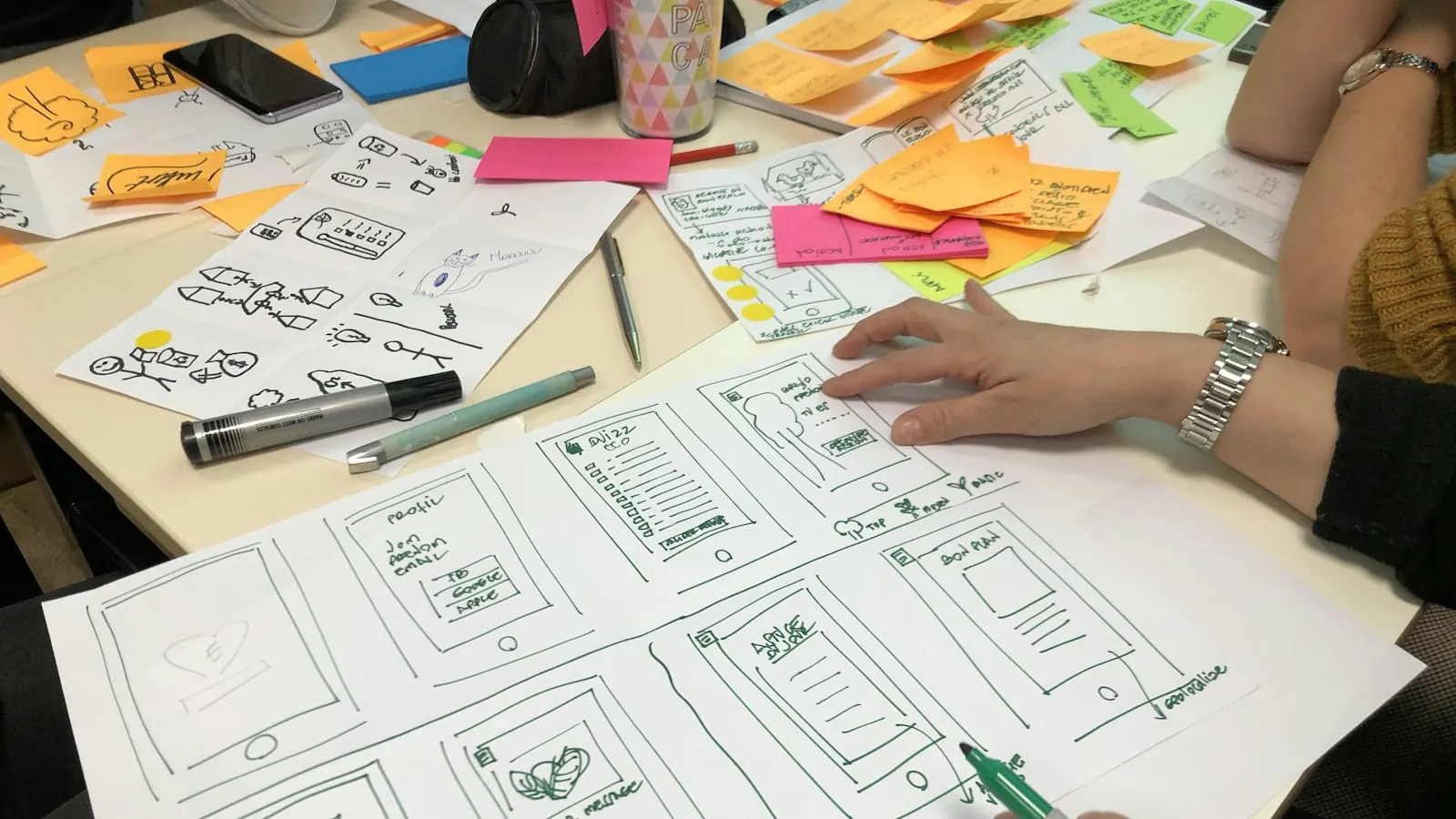
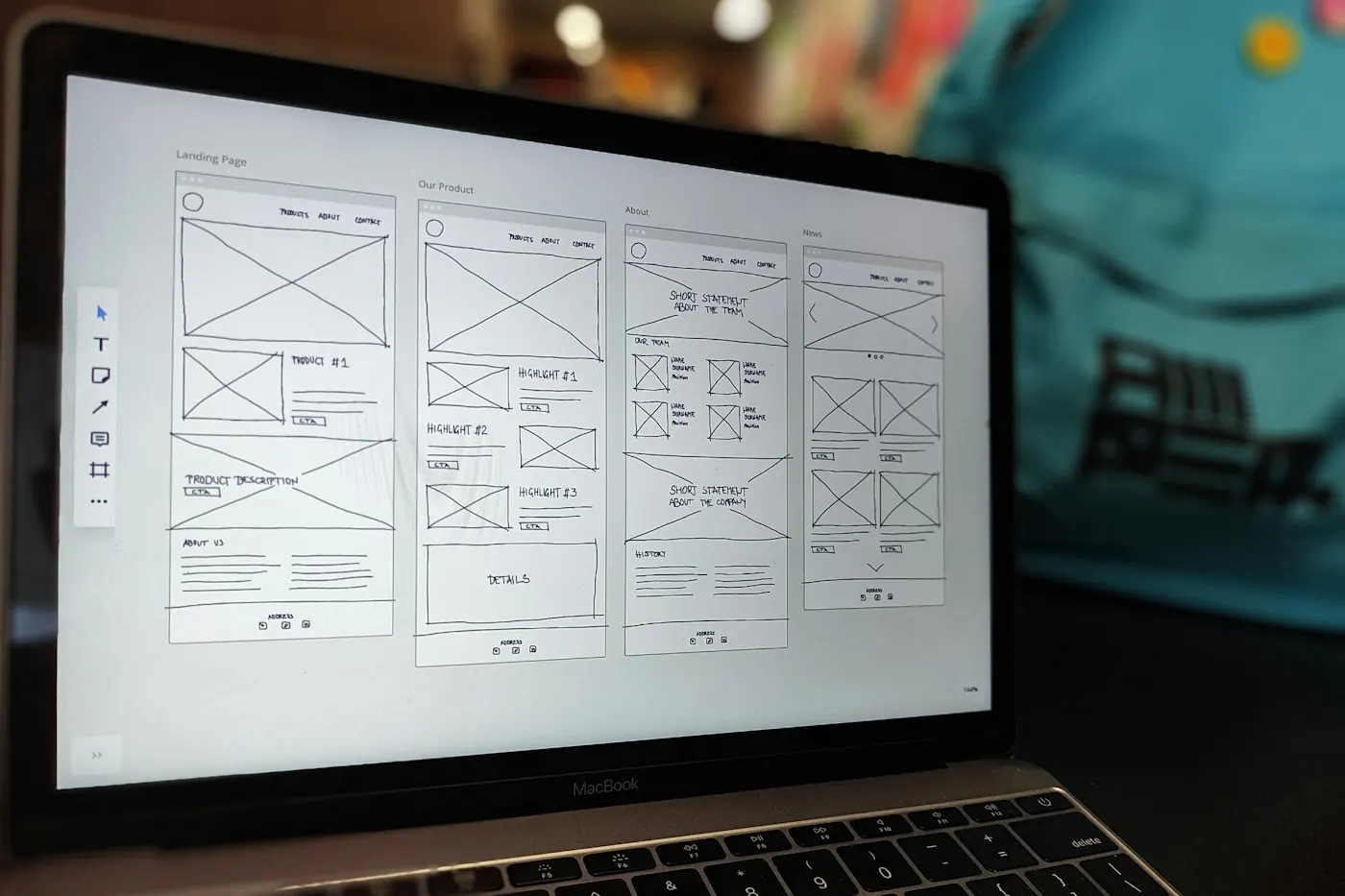
What happens: simple black and white layouts show where content, images and calls to action go on key pages. Wireframes focus on structure before style.
What you do: check that the order of information makes sense for your customers. Ignore colors and fonts at this stage.
Output: approved layouts.
Step 4: Content
What happens: copy and images are written, collected or created for each page. This often runs in parallel with design.
What you do: provide content or review drafts on time. This is the step most likely to delay a project. Use our website content checklist.
Output: final content for every page.
Step 5: Visual Design
What happens: the designer applies your brand to the wireframes, creating full page designs for desktop and mobile.
What you do: give feedback in rounds (see the next section).
Output: approved page designs.
Step 6: Development
What happens: developers build the site on the chosen platform, add content, set up forms and integrations, and make every page responsive.
What you do: usually very little. Answer questions and provide any logins needed.
Output: a working site on a private staging link.
Step 7: SEO and Performance Setup
What happens: page titles, meta descriptions, headings, image alt text, schema markup, sitemap and redirects are set up. Images are compressed and the site is tuned for speed.
What you do: review page titles and descriptions if asked.
Step 8: Testing
What happens: the team tests the site on phones, tablets and browsers, checks every link and form, and fixes issues.
What you do: click through the staging site yourself, try the forms, and report anything that looks wrong.
Step 9: Launch
What happens: the site goes live on your domain. Analytics and Search Console are connected, and the sitemap is submitted to Google.
What you do: confirm your contact details are correct and that you receive form submissions.
Step 10: Training and Support
What happens: you get a walkthrough of how to edit the site, plus a support period for bug fixes.
What you do: make a note of questions as you start using the site.
How to Give Useful Design Feedback
Good feedback speeds up the project and leads to a better site. Some tips:
- Gather feedback from your team first and send one consolidated list.
- Describe the problem, not the solution. "Customers will not find the phone number" is more useful than "make it red."
- Think like a customer, not just as the owner.
- Be specific. Reference the page and section.
- Separate must haves from preferences.
- Respect the agreed rounds. Big changes after approval cost time and money.
How Long the Whole Process Takes
For a small business site of 8 to 15 pages, the full process usually takes 6 to 8 weeks. Simpler sites can launch in 3 to 4 weeks. See a realistic website project timeline for a week by week plan.
Example: The Process for a Restaurant Website
Here is how the steps above might look for a fictional neighborhood restaurant that wants more reservations and catering inquiries.
| Step | What happens for the restaurant |
|---|---|
| Discovery | Owner explains busy nights, catering goals and that most guests find them on Google Maps |
| Sitemap | Home, Menu, Reservations, Catering, Private Events, About, Contact |
| Wireframes | Reservation button in the header, menu one tap from the home page |
| Content | Menu updated, catering packages written, new food photos taken |
| Design | Warm colors from the brand, large food photos, easy to read menu |
| Development | Reservation tool embedded, catering inquiry form, menu as text not PDF |
| SEO setup | Restaurant schema, hours, location, page titles with cuisine and neighborhood |
| Testing | Reservation flow tested on several phones |
| Launch | Google Business Profile updated with the new menu link |
| Training | Staff shown how to update the menu and specials |
Following each step in order keeps the project focused on what brings in guests rather than on design details alone.
What Happens Behind the Scenes
Some of the most valuable work is invisible to clients:
- Information architecture: deciding where every piece of content lives so visitors find it fast
- Accessibility checks: contrast, headings, alt text, keyboard navigation
- Performance tuning: image formats, caching and loading order
- Security setup: SSL, login protection and backups
- Analytics: tracking forms, calls and key clicks
Ask your provider which of these are included. They often separate an average website from a high performing one.
Common Mistakes During the Process
Skipping wireframes. Jumping straight to visual design often leads to layout changes late in the project.
Reviewing on desktop only. Most visitors use phones. Review every design on a phone first.
Changing the sitemap mid build. Adding sections or pages after development starts causes delays.
Approving designs without real content. Placeholder text hides problems. Review designs with real copy where possible.
Not testing forms yourself. Send a test inquiry and confirm it reaches the right inbox.
How to Be a Great Client
The best results come from collaboration. You can help by:
- Sharing honest information about customers and competitors
- Giving clear, consolidated feedback
- Meeting content deadlines
- Trusting expert advice while still asking questions
- Keeping communication in one place
Projects with engaged clients almost always launch faster and perform better.
See Our Process in Action
At Code Staff Hub, every project follows a clear process with dates and responsibilities set from day one. Book a free call or explore our website design services.
Frequently Asked Questions
What are the main steps in website design?
Discovery, strategy and sitemap, wireframes, content, visual design, development, SEO setup, testing, launch, and training and support.
Which step in the website design process takes the longest?
Development often takes the most working hours, but content collection usually causes the most calendar delay.
Do I need to be involved in every step?
Your input matters most during discovery, content and design reviews. During development, the team usually needs little from you.
What is a staging site?
A private copy of your website used to build and test changes before they go live, so customers never see unfinished work.