


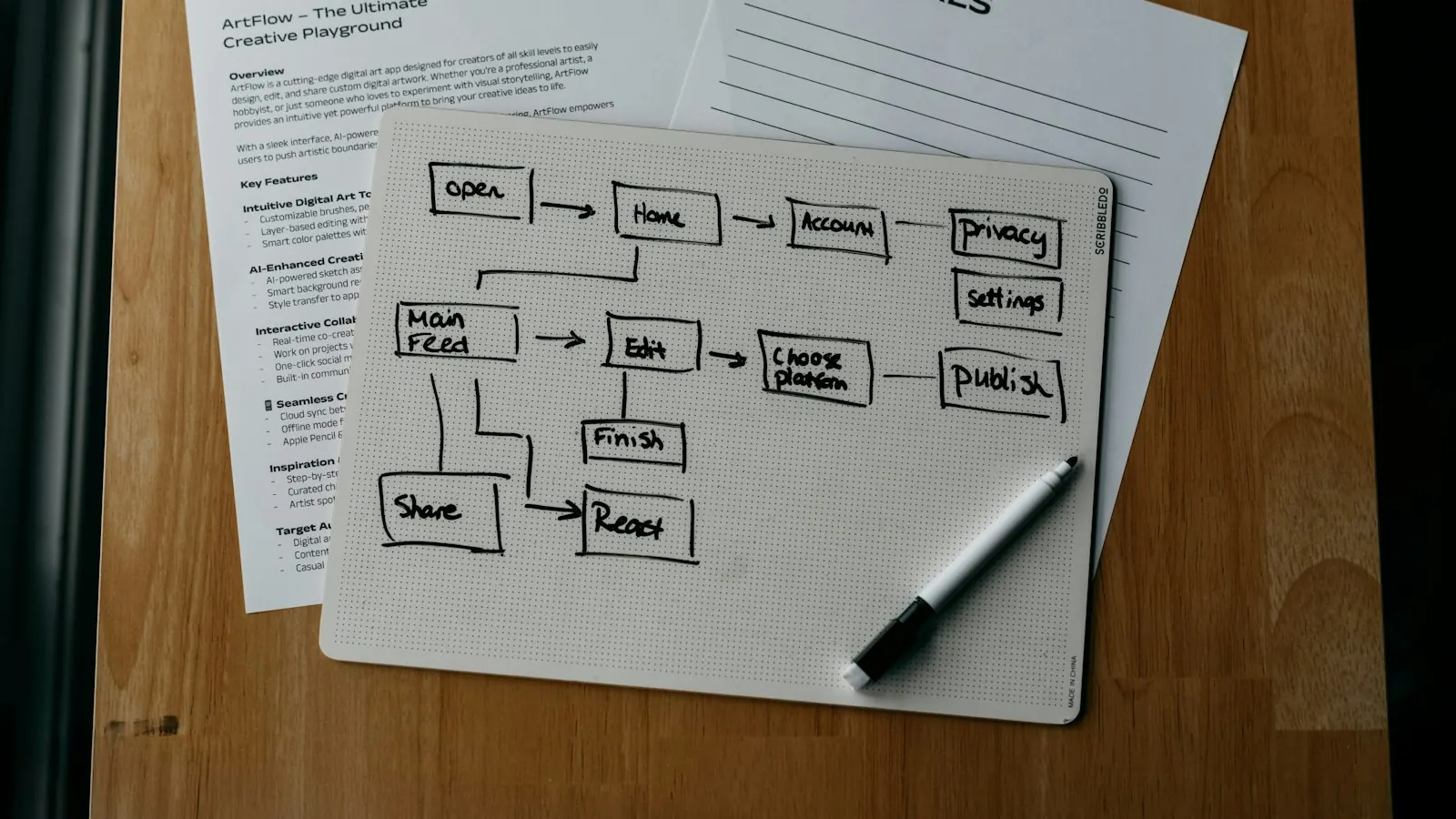
Before anyone picks colors or fonts, your website needs a plan: which pages exist, what each one is for, and how they connect. This plan is called a sitemap. Getting it right makes your site easier to use, easier to rank on Google and cheaper to build.
This guide shows small business owners how to plan their website pages before design, step by step.

What Is a Website Sitemap?
There are two kinds:
- A planning sitemap: a simple diagram or list of every page and how pages are grouped. This is what this article is about.
- An XML sitemap: a file that lists your URLs for search engines. Your developer creates it, and you submit it to Google. See how to submit your sitemap to Google.
Step 1: Start From Your Customers' Questions
List the questions customers ask before they buy. For a plumbing company, that might be:
- Do you handle emergency repairs?
- Do you serve my area?
- How much does a water heater replacement cost?
- Are you licensed and insured?
- Can I see reviews?
Each question points to content: a service page, a service area page, a pricing section, an about page, a reviews page.
Step 2: Group Content Into Core Pages
Most small business websites need these core pages:
- Home: what you do, who for, where, and the main call to action
- Services: an overview, plus one page for each main service
- About: your story, team and credentials
- Reviews or Work: proof that you deliver
- Contact: phone, form, address, hours and service area
- FAQ: answers to common questions
- Blog: optional, for SEO and education
Our article on what pages a business website should have explains each one.
Step 3: Give Each Service Its Own Page
This is the most common gap in small business websites. Google ranks individual pages, not whole sites. A single "Services" page listing everything rarely ranks well for any one service. A dedicated page for each main service, with real detail, gives each service a chance to rank and gives customers the answers they need.
Step 4: Decide on Location Pages
If you serve several cities, a page for each main area can help you appear in local searches. Each page needs unique, useful content about that area, such as local projects, travel times or specific services. Copying the same text with a different city name does not help. See service area pages SEO.
Step 5: Map Keywords to Pages
Assign one main keyword to each page so pages do not compete with each other:
| Page | Main keyword |
|---|---|
| Home | plumber in [your city] |
| Water heater repair | water heater repair [city] |
| Drain cleaning | drain cleaning [city] |
| Emergency plumbing | emergency plumber [city] |
This also helps your designer plan headings and content.
Step 6: Plan the Navigation
- Keep the main menu to five to seven items
- Group services under a "Services" dropdown
- Put the main call to action, such as "Get a Quote," as a button in the header
- Add important links in the footer: contact details, service areas, legal pages
Read website navigation best practices for more.
Step 7: Plan URLs
Use short, clear URLs that match the page topic:
- /services/water-heater-repair/
- /service-areas/denver/
- /about/
Avoid dates, random numbers or long strings. See SEO friendly URL structure.
Step 8: Mark Each Page's Goal
For every page, write one sentence about what the visitor should do next: call, request a quote, book, or read a related service. This keeps design focused.
A Simple Sitemap Example
| Top level page | Pages under it |
|---|---|
| Home | |
| Services | Service one, Service two, Service three |
| Service Areas | City one, City two |
| About | Team |
| Reviews | |
| Blog | Articles |
| Contact |
You can draw this on paper, in a spreadsheet or in a free diagram tool. The format matters less than the thinking.
Example: Planning Pages for a Med Spa
Here is how a fictional med spa might plan its pages using the steps above.
Customer questions: What treatments do you offer? How much do they cost? Is it safe? Who performs it? How long are results? Do you offer financing?
Planned pages:
| Section | Pages |
|---|---|
| Home | Overview, featured treatments, booking button |
| Treatments | Injectables, laser hair removal, facials, body contouring, skin tightening |
| Pricing | Starting prices and packages |
| About | Medical director, team, credentials |
| Results | Before and after gallery, with patient consent |
| Specials | Current offers |
| FAQ | Safety, recovery, financing |
| Contact and Booking | Booking tool, location, hours |
Each treatment page answers the same questions: what it is, who it is for, how it works, recovery, results, price range, and how to book. That consistency makes the site easier to use and easier to build.
Common Sitemap Planning Mistakes
Mirroring your internal structure. Organize pages by what customers look for, not by how your departments are set up.
Too many top level menu items. Group related pages under a few clear headings.
Thin location pages. Pages that only swap the city name add little value. Include local details.
No path to conversion. Every page should lead to a next step.
Forgetting future growth. Plan where new services or blog posts will fit so the structure does not break later.
How Many Clicks Should Pages Be?
A useful rule is that important pages should be reachable within about three clicks from the home page. Service pages linked from the main menu, location pages linked from a service area page, and blog posts linked from relevant service pages keep everything easy to find for visitors and search engines.
Tools for Planning Your Sitemap
You do not need special software:
- A spreadsheet with one row per page and columns for keyword, goal and status
- Sticky notes on a wall for a visual layout
- Free diagram tools for a simple tree view
Share whichever format you choose with your web team so everyone works from the same plan.
Review the Sitemap After Launch
After a few months, check Google Search Console and analytics:
- Which pages bring the most visitors and leads?
- Which pages get almost no traffic?
- What searches bring people to your site that you do not have pages for?
Use the answers to add, merge or improve pages. A sitemap is a plan that improves over time, not a one time decision.
Let Us Plan Your Site With You
Code Staff Hub starts every project by mapping pages and keywords to your goals. Book a free planning call or see our website design services.
Frequently Asked Questions
How many pages should a small business website have?
Most small business websites need 6 to 20 pages: home, about, contact, a page for each main service, and optionally service area pages, reviews, FAQ and a blog.
What is the difference between a sitemap and navigation?
A sitemap lists every page on the site. Navigation is the menu people use to move between the most important pages.
Should every service have its own page?
Yes, for any service you want customers to find on Google. Separate pages let you answer specific questions and target specific searches.
Do I need a blog on my business website?
Not at launch, but a blog helps you rank for more questions over time and shows your expertise.