


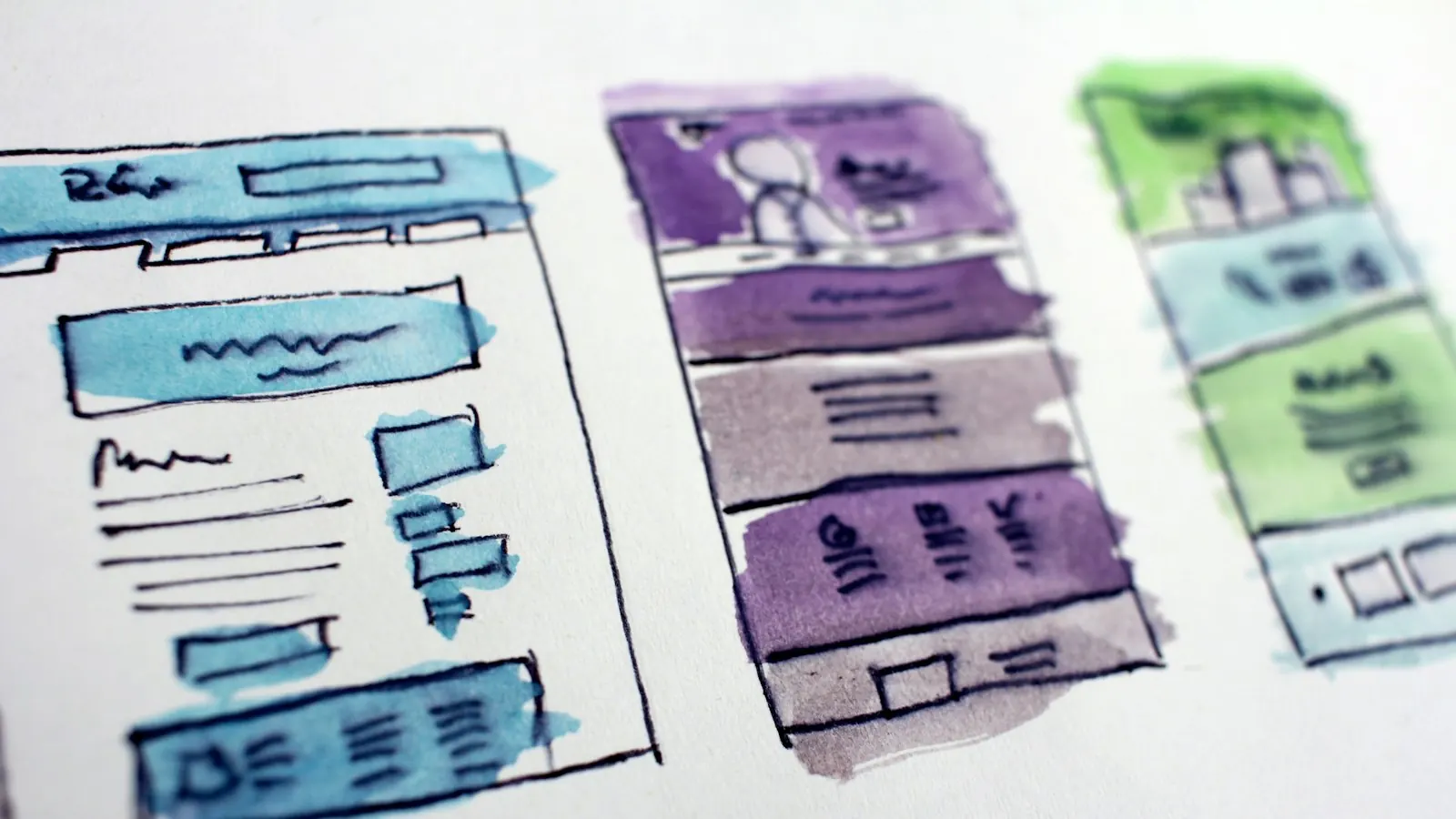
A website quote often arrives as one big number. That makes it hard to judge whether the price is fair, where you could save, and what you might be missing. When you see the cost broken into parts, the number starts to make sense.
This article walks through each stage of a typical website project, what happens in it, and what share of the budget it usually takes. Use it to read quotes with confidence and to compare proposals line by line.

The Typical Split of a Website Budget
Every agency prices differently, but most professional small business projects divide the budget roughly like this:
| Stage | Share of budget | What you get |
|---|---|---|
| Discovery and strategy | 5% to 10% | Goals, sitemap, page plan, competitor review |
| UX and visual design | 20% to 30% | Wireframes, page designs, mobile layouts |
| Development | 30% to 40% | Building pages, CMS setup, forms, integrations |
| Content | 10% to 20% | Copywriting, image sourcing, editing |
| SEO and performance | 5% to 15% | Meta data, schema, speed work, redirects |
| Testing and launch | 5% to 10% | Browser and device testing, go live, training |
On a $6,000 project, that means roughly $600 for strategy, $1,500 for design, $2,100 for development, $900 for content, $500 for SEO and $400 for testing and launch.
Discovery and Strategy
This is the planning stage. A good team asks who your customers are, what they search for, what makes them call, and what your competitors do well or badly. The output is a sitemap and a short plan for each page.
It is the cheapest stage and the one most often skipped. Skipping it is a mistake. A clear plan prevents rework later, and rework is where budgets blow up. If you want to prepare for this stage, read how to write a website brief.
UX and Visual Design
Design covers two things. User experience (UX) decides the layout: what goes on each page, in what order, and where the calls to action sit. Visual design applies your brand: colors, fonts, images and spacing.
Costs rise with:
- The number of unique page layouts (a home page, service page and contact page are three; ten service pages that share one layout are still one)
- Custom illustrations or icon sets
- Separate designs for mobile and tablet
- The number of revision rounds included
A template based design can cut this stage by half or more. The trade off is less control over how each page guides visitors toward contacting you.
Development
Development turns designs into a working site. This includes setting up the content management system, building each page template, making it responsive on phones, connecting forms, and adding features such as booking or payments.
Development usually takes the largest share because it carries the most risk. Integrations with third party tools, custom calculators, and member areas all add hours. Platform choice matters too. A WordPress site, a Shopify store and a custom Next.js build each cost differently to develop and maintain. See WordPress vs Shopify for small business if you are deciding.
Content
Content is the words, images and sometimes video on every page. Many quotes leave it out and assume you will provide it. If you write your own copy, this line drops, but your launch date depends on how fast you deliver.
Typical content costs in the US:
- Professional copywriting: often $100 to $400 per page, depending on research needed
- Stock photography: free from licensed free libraries, or paid per image
- Custom photography: usually a half or full day shoot
Strong copy is one of the biggest drivers of leads, so this is rarely the right place to cut.
SEO and Performance
A site that nobody finds cannot bring in work. This stage covers on page SEO (titles, meta descriptions, headings), schema markup, an XML sitemap, image compression and speed tuning. On a redesign it also includes 301 redirects from old URLs so you keep your rankings.
Some agencies bundle this into development. Others list it separately. Either is fine as long as it is there. If a quote does not mention redirects on a redesign, ask about it before you sign.
Testing and Launch
Before launch, the site should be checked on real phones and browsers, forms should be tested end to end, and analytics should be set up. After launch, you should get a short walkthrough of how to edit pages.
Problems found after launch cost more to fix than problems found before it. A few hours of testing protects the rest of your investment.
Ongoing Costs to Add to the Breakdown
The build is a one time cost, but a website also has running costs:
| Item | Typical yearly cost |
|---|---|
| Domain | $10 to $25 |
| Hosting | $60 to $900 |
| Premium plugins or apps | $0 to $500 |
| Maintenance and support | $600 to $6,000 |
Ranges are based on WebsiteSetup's 2026 maintenance cost guide. For a full look at monthly plans, see website maintenance cost per month.
How to Use This Breakdown When Comparing Quotes
- Ask each provider to split their price into the stages above.
- Check that every quote includes the same items. A lower quote that leaves out content or SEO is not cheaper.
- Look at the number of revision rounds, pages and templates included.
- Confirm what happens after launch: training, support period and who owns the site.
Our web design quote checklist has a full list of questions to ask.
Example: Reading Two Quotes Side by Side
Imagine a small accounting firm receives two quotes for a 12 page website. Quote A is $4,000. Quote B is $7,200. At first glance, A looks like the obvious choice. Broken into stages, the picture changes:
| Stage | Quote A | Quote B |
|---|---|---|
| Discovery and strategy | Not included | $600 |
| Design | $1,200 (template adapted) | $2,000 (custom layouts) |
| Development | $2,300 | $2,600 |
| Content | Client provides | $1,200 (copy for 8 pages) |
| SEO and performance | "Basic SEO" (no detail) | $500 (titles, schema, speed, sitemap) |
| Testing and launch | $500 | $300 |
| Support after launch | 14 days | 60 days |
If the firm would need to hire a copywriter for about $1,200 and pay someone for proper SEO setup, Quote A quickly reaches $5,500 or more, without strategy or a longer support period. The gap between the two quotes is much smaller than it first looked, and Quote B includes work that directly affects leads.
This is why a line by line breakdown matters. It turns a confusing comparison into a clear one.
Common Mistakes When Reading a Website Quote
Comparing totals instead of scope. Two totals mean nothing if they describe different websites. Always compare the stages and deliverables.
Ignoring the content line. If content is not included, you are not just saving money. You are taking on a large task with a deadline.
Accepting vague SEO promises. "SEO optimized" can mean almost anything. Ask for a list: titles, meta descriptions, headings, schema, sitemap, redirects, image compression.
Overlooking revision limits. A quote with one revision round can cost more in the end if your team needs several rounds to agree.
Missing post launch costs. Hosting, plugins and maintenance are often outside the quote. Add them to compare the first year cost.
Where You Can Safely Save, and Where You Should Not
Places you can often save:
- Using one well designed template for all service pages instead of unique layouts for each
- Writing a first draft of the copy yourself and paying only for editing
- Launching with fewer pages and adding the rest in a second phase
- Using licensed free stock images for supporting visuals
Places where cutting usually backfires:
- Discovery and planning, because rework later costs more
- Mobile design and testing, since most visitors use phones
- SEO setup and redirects, which protect and grow your traffic
- Clear calls to action and working forms, the parts that actually produce leads
How Platform Choice Shifts the Breakdown
The split between stages changes with the platform. On Shopify, more budget often goes to product setup, theme customization and apps. On WordPress, more goes to development and ongoing maintenance. On fully custom builds, development can take half the budget or more. If you are still choosing, our guide on WordPress vs Shopify for small business explains the trade offs.
Get a Transparent Website Quote
At Code Staff Hub, every proposal lists exactly what is included in each stage, so you know where your money goes. Request a free quote or explore our website design services.
Frequently Asked Questions
What is the most expensive part of building a website?
Development is usually the largest single cost, often 30% to 40% of the budget, because it includes building every template, forms, integrations and mobile layouts.
Can I save money by writing my own content?
Yes. Writing your own copy can cut 10% to 20% from a quote. Make sure you can deliver it on time, since late content is the most common cause of delayed launches.
Should SEO be included in a website quote?
Basic on page SEO, a sitemap, schema and speed work should be included in any professional build. Ongoing SEO, like content and link building, is usually a separate monthly service.
Why do two quotes for the same website differ so much?
They rarely describe the same website. Differences in pages, custom design, content, SEO and support explain most of the gap. Ask for a line by line breakdown to compare fairly.